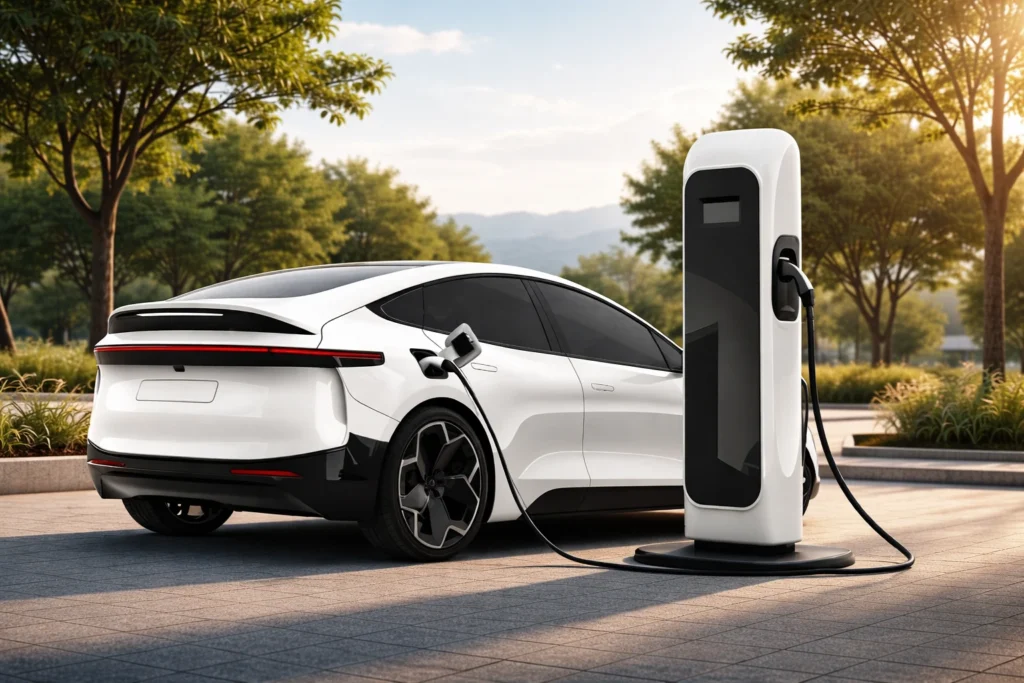
Find the Nearest Ultra-Fast Charging Stations
We are going fast – more cities are on the way!
How to charge
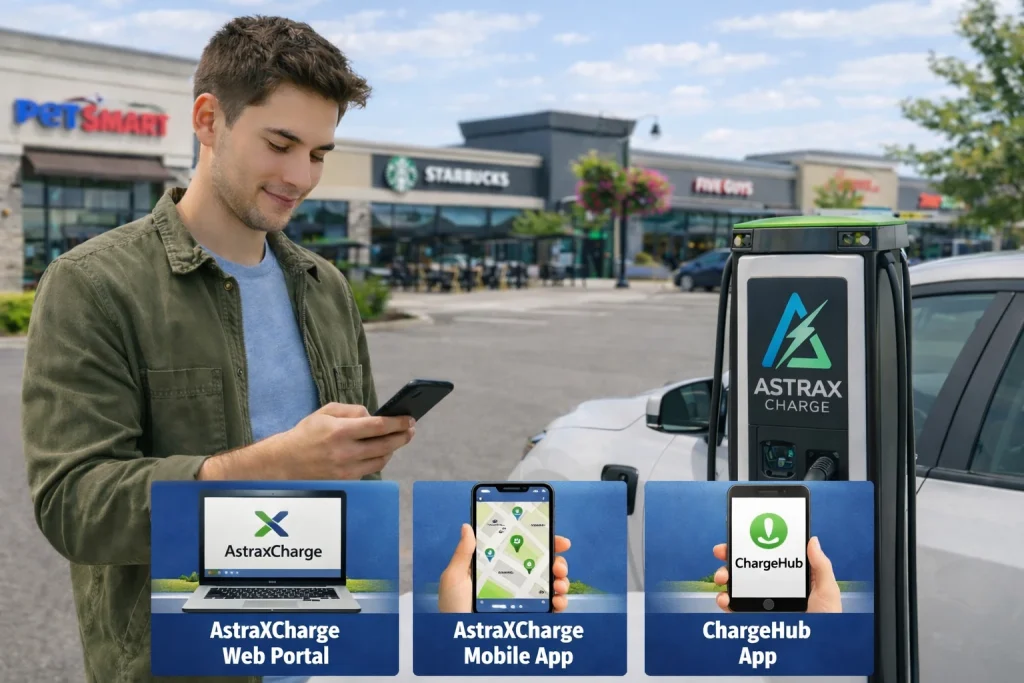
Step 1: Locate the Right Charging Point
You can find AstraXCharge stations through:
- AstraXCharge Web Portal
- AstraXCharge Mobile App
- ChargeHub App
Navigate to the charger and park so the cable easily reaches your vehicle’s charging port.
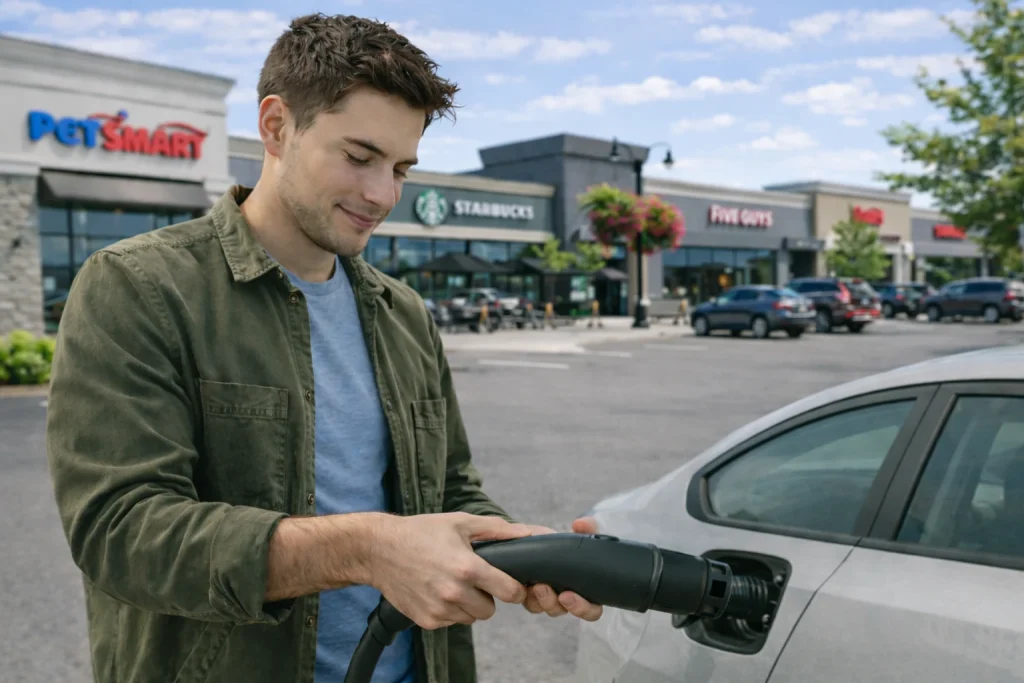
Step 2: Plug In
- Insert firmly until it clicks into place
- Open your EV’s charging port
- Select the correct connector (CCS1; adapters used at driver’s own responsibility)
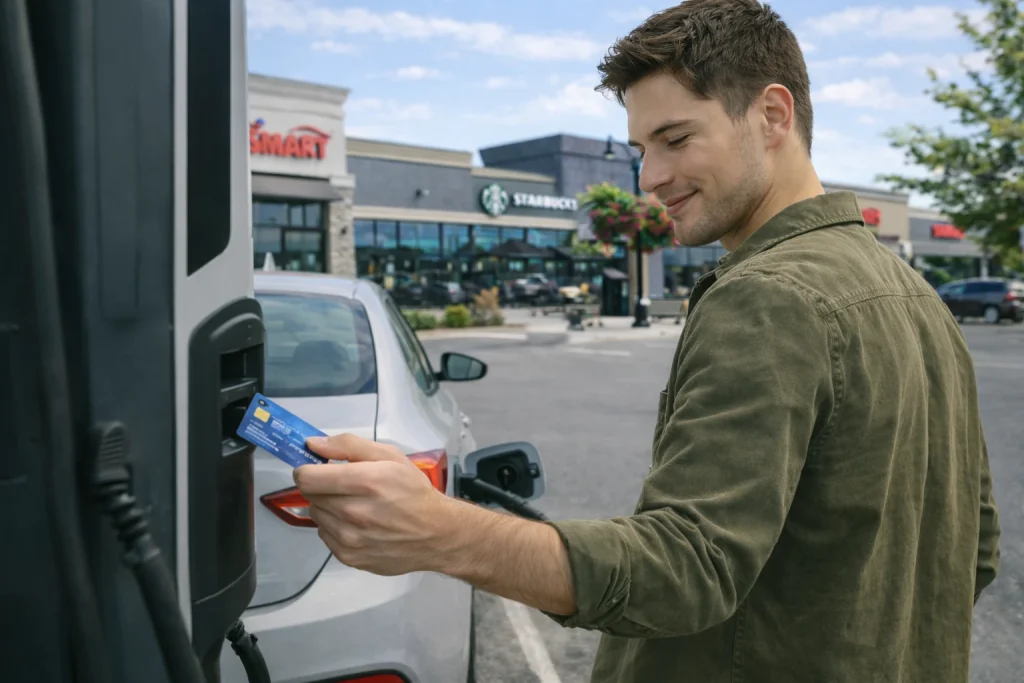
Step 3: Start Charging
Choose one of the available activation methods:
- Tap your credit/debit card
- Follow the on-screen instructions
- A pre-authorization hold may apply
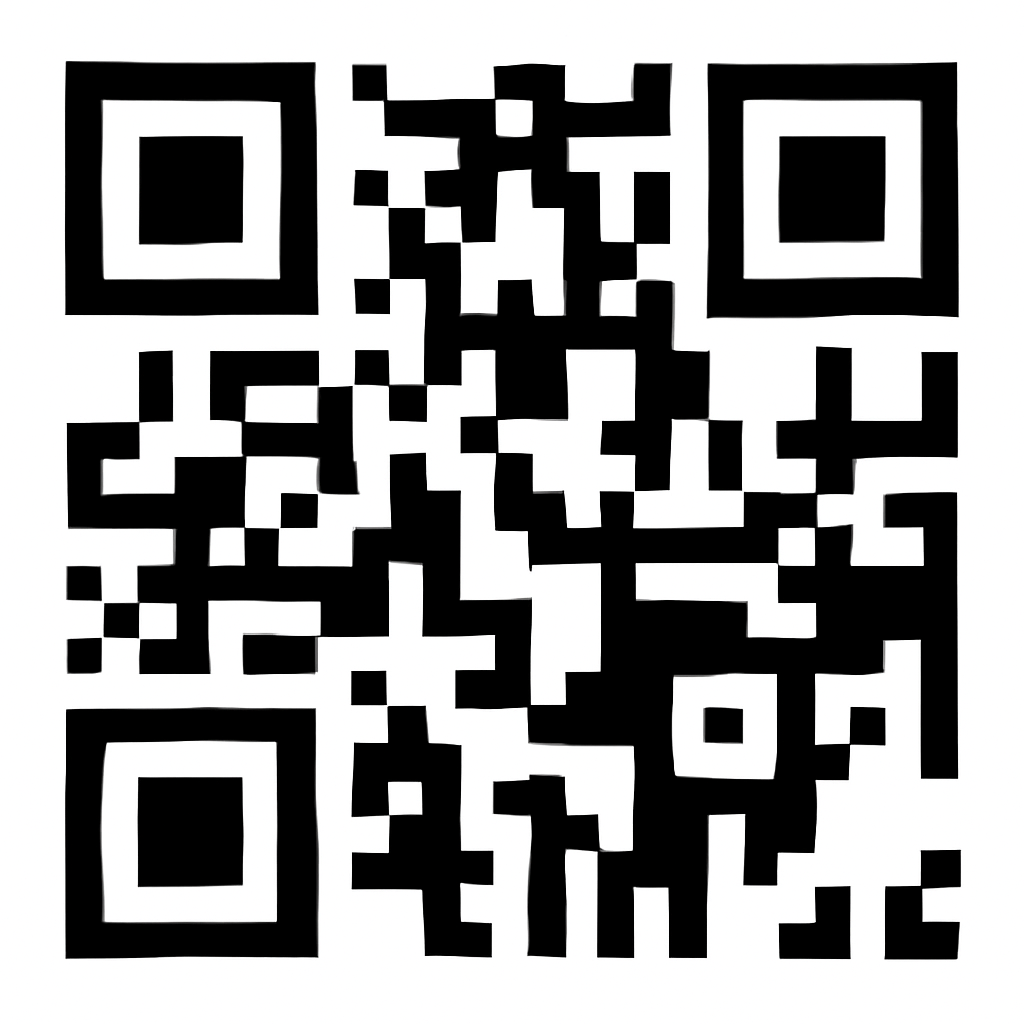
- Scan the QR code on the charger
- Authorize payment and start the session
- Ensure wallet meets minimum balance & auto-reload is enabled
- Select the Charger ID
- Press Start Charging
- Open your home network app
- Select the Charger ID
- Review roaming fees
- Press Start Charging
Step 4: Stop & Go
1. End the session using:
- The Stop button on charger
- AstraXCharge App
- Roaming partner app
- QR Code “End Session” page
2. Wait for confirmation that charging has stopped
3. Unplug and return the connector to its holster
4. Close your charging port, move your vehicle promptly to avoid idle fees

Fast Tips for Drivers
- A typical 10-minute boost can add up to ~100 km (site/vehicle dependent)
- Best charging range: 10%–60% battery
- Charging slows naturally after 80%
- Keep cable straight and avoid tension
- Stay near your vehicle during ultra-fast charging
- Move vehicle promptly after session ends to avoid idle fees
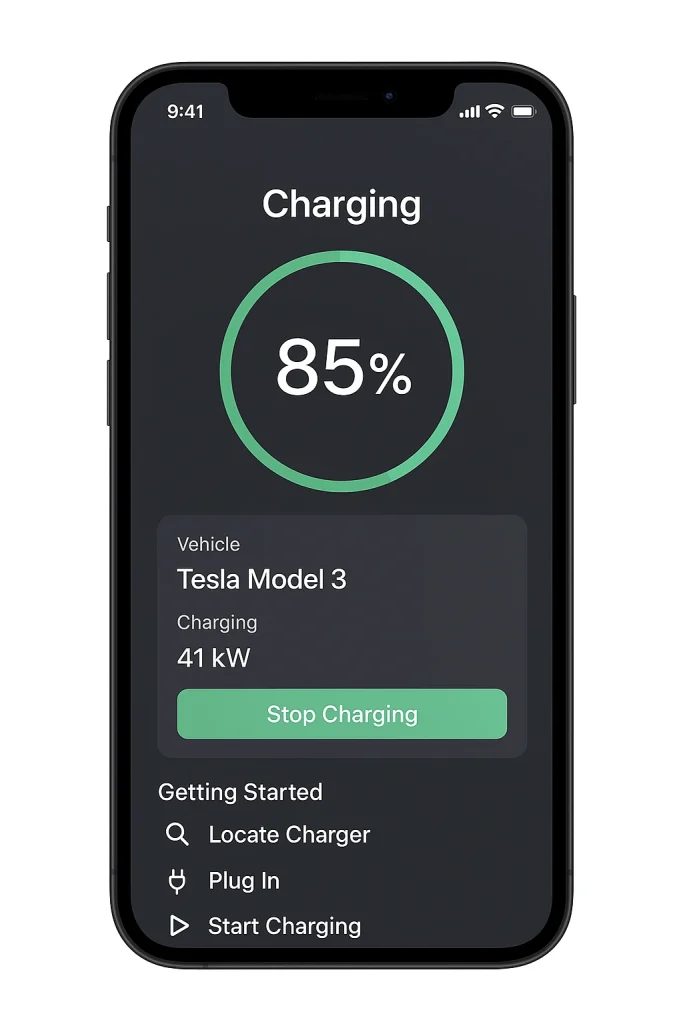
Charge Smarter with Our APP